









Trello: visual project management for freelancers
The visual project management tool built on boards, lists and cards, free up to 10 boards per workspace
What is Trello?
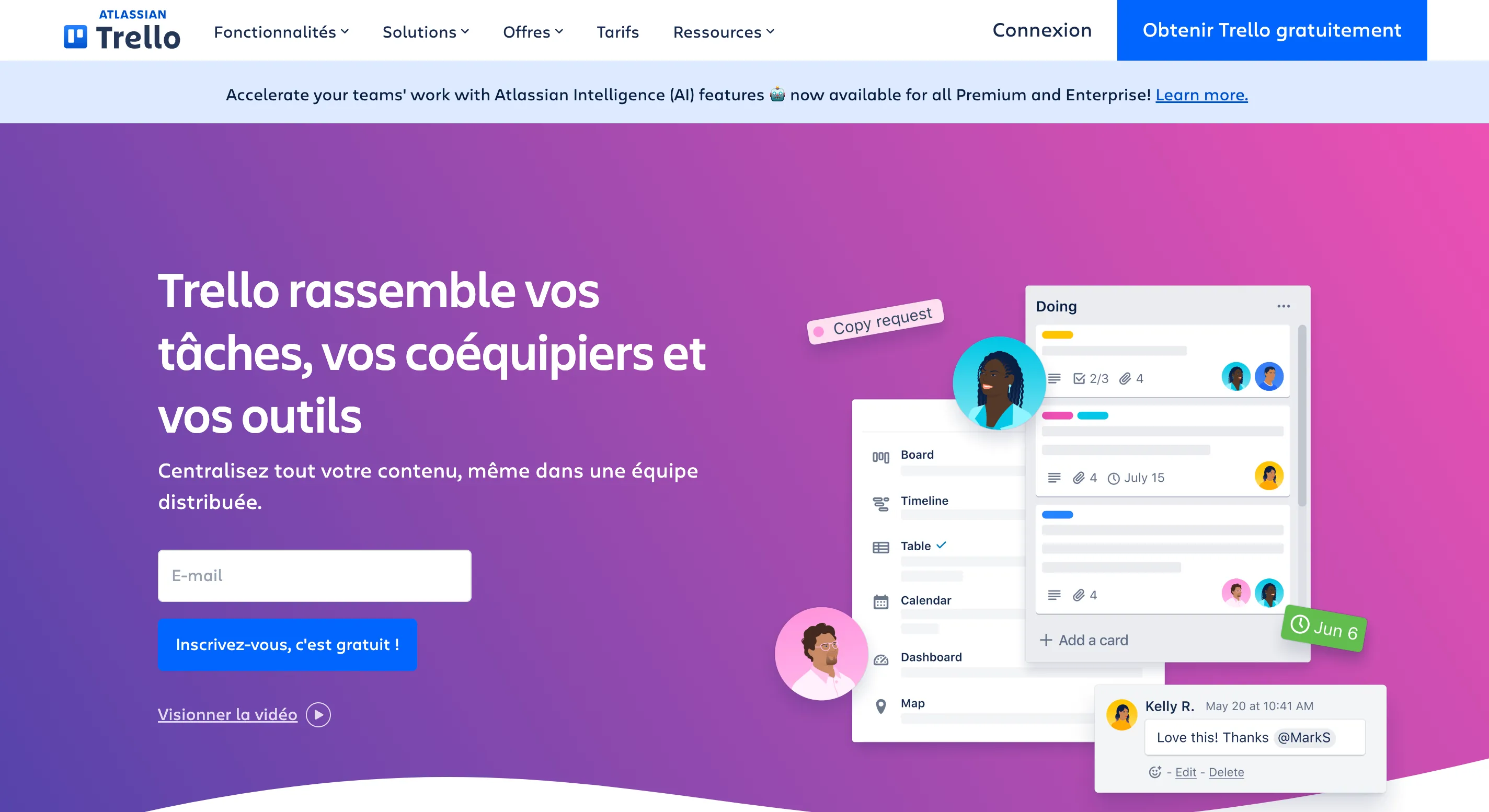
Trello is a visual project management tool made by Atlassian. The idea fits in three words: boards, lists, cards. One board per project, lists for the stages (To do, Doing, Waiting on client, Done) and cards for each task, which you drag from one column to the next. Each card carries a description, dates, checklists, attachments, comments and labels. It is Kanban in its most accessible form, on web, mobile and desktop.
Who is Trello for?
For freelancers who want to see at a glance where each project stands, and possibly show it to their clients. A writer tracking articles from "brief received" to "delivered", a designer sharing a board with a client to approve mockups, a consultant breaking an engagement into stages. If you just want a simple personal to-do list, Todoist is faster day to day. If you run complex projects with dependencies, time tracking and reporting, ClickUp or Asana go further. And if you want to keep notes, documents and projects in one place, Notion replaces Trello for many independents.
What you can do with Trello
- Organize a project in Kanban: unlimited cards, checklists, due dates, color labels, attachments.
- Automate without code: every board includes automation (move a card when a checklist is done, assign, notify), with 250 runs per month on the free plan.
- Plug in your tools: 200+ Power-Ups, including Slack, Google Drive, calendar, and the other Atlassian products.
- Collaborate: up to 10 collaborators per workspace on the free plan, guests per board, comments and mentions.
- Switch views: with Premium, the Calendar, Timeline, Table, Dashboard and Map views, plus views that span the whole workspace.
- Create a board with AI: describe your goal and Trello generates a ready-to-use board, from the Standard plan.
Trello pricing in 2026
- Free: $0, up to 10 collaborators per workspace. Unlimited cards, 10 boards per workspace, unlimited Power-Ups, unlimited storage (10 MB per file), 250 command runs per month.
- Standard: $5 per user per month billed annually ($6 monthly). Unlimited boards, card mirroring, AI-generated boards, 250 MB per file, 1,000 runs per month.
- Premium: $10 per user per month annually ($12.50 monthly). Calendar, Timeline, Table, Dashboard and Map views, unlimited runs, admin controls, priority support.
- Enterprise: $17.50 per user per month annually ($210 per year per user). Unlimited workspaces, SSO via Atlassian Guard, dedicated support.
A free Premium trial is offered to any workspace. Pricing checked on trello.com in November 2026.
Why we recommend Trello
At FreelanceKit, we picked Trello because it is the project management tool that is easiest to get adopted, even by a client who has never used this kind of tool. You share a board, they understand it in a minute, and you follow the project in the same place. The free plan is one of the most generous in its category, with unlimited cards and Power-Ups.
The weak point to know about: Trello remains a Kanban. No time tracking, no invoicing, no task dependencies. The views that really transform the tool (Calendar, Timeline, Dashboard) are reserved for Premium, which is $10 per user per month billed annually. And the 10-board limit on the free plan is reached quickly if you open one board per client.
Trello or another solution?
If you are hesitating between Trello, Asana, ClickUp, Notion or Todoist, take a look at our dedicated page on alternatives to Trello.
Strengths and weaknesses
Strengths
- Instant to learn: boards, lists and cards, you get the idea in five minutes
- Generous free plan: unlimited cards, 10 boards per workspace, unlimited Power-Ups
- No-code automation built into every board, even on the free plan (250 runs per month)
- 200+ Power-Ups: Slack, Google Drive, calendar, and the Atlassian ecosystem
Weaknesses
- Calendar, Timeline and Dashboard views are reserved for the Premium plan, at $10 per user per month
- Maximum of 10 boards on the free plan: quickly reached if you create one board per client
- No time tracking or invoicing: you need to plug in other tools
Frequently asked questions about Trello
Trello is a visual project management tool made by Atlassian. You organize your work on boards made of lists (To do, Doing, Done) and cards that you move from one column to another. Each card carries a description, dates, checklists, attachments and comments.
The Free plan is free for up to 10 collaborators per workspace, with 10 boards and 250 command runs per month. Standard costs $5 per user per month billed annually ($6 monthly), Premium $10 annually ($12.50 monthly) and Enterprise $17.50 per user per month billed annually ($210 per year per user). Pricing checked on trello.com in November 2026.
Often, yes: unlimited cards, 10 boards per workspace, unlimited Power-Ups, unlimited storage with 10 MB per file and 250 automations per month. The limit shows up if you want one board per client beyond ten, or if you need the Calendar and Timeline views.
Yes. The plans are designed for teams, but a workspace can have a single member. You create your workspace, then upgrade it.
Trello is for visualizing a project's progress, alone or with a client, column by column. Todoist is a personal task list with dates and priorities, faster to fill in day to day. The two complement each other: Todoist for your day, Trello for the project.
Yes. Any user can sign up their workspace for a free Trello Premium trial, to try unlimited boards, unlimited automations and the Timeline and Dashboard views.
Alternatives to Trello
What we would use instead, in the same category.





Compare all the alternatives to Trello
See our full comparison of the 4 alternatives to Trello in 2026: prices, features and strengths, in detail.
🚀See the full comparison