









Tella: record and edit screen videos with a professional look
The screen and camera recording tool with built-in editing, for polished demos, tutorials and outreach videos, without video editing software
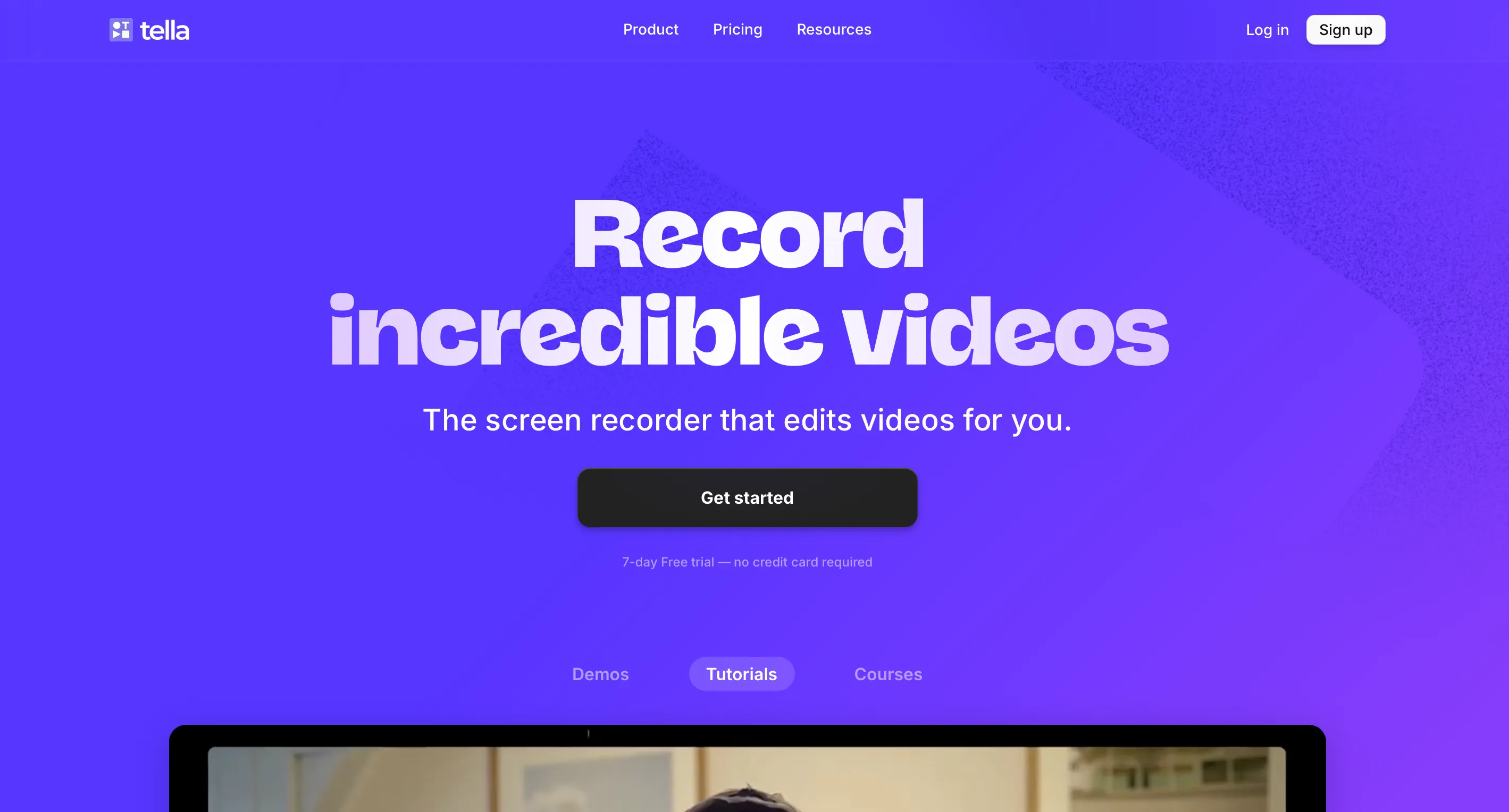
What is Tella?
Tella is a screen and camera recording tool with built-in editing. You start recording from the Mac or Windows app or the Chrome extension, present your screen with your webcam as a thumbnail, then move into the editor: layouts, zooms, background, borders, subtitles, silence removal. The result can be shared by link, embedded on a page or exported in 4K. Where a classic recorder produces a raw capture, Tella outputs a video that looks like a product demo.
Who is Tella for?
For freelancers who show their work on video: a mockup demo for a client, a tutorial for a course, a personalized outreach video, a clip for LinkedIn or YouTube. If you just want to send a quick video to a colleague without worrying about the look, Loom is enough and offers a free plan. If you record a podcast or a remote interview, Riverside is the dedicated tool. And to turn a long video into short subtitled clips, look at Submagic or Opus Clip.
What you can do with Tella
- Record: screen, webcam, microphone and system audio, with a teleprompter, up to 4K and 6 hours per clip.
- Edit without software: timeline, transcript-based editing, automatic removal of silences, hesitations and filler words.
- Polish the look: automatic layouts, Auto Zoom, blur, highlighting, backgrounds, borders, camera cropping, logo, background music.
- Add subtitles: transcription in 106 languages, styled subtitles, automatically generated titles, descriptions and chapters.
- Share: unlimited hosting, embeddable player, call-to-action buttons, comments, reactions, password protection.
- Measure: views, unique viewers, watch time, engagement, and conversion funnels with Premium.
- Delegate to AI: an agent in the editor applies changes from an instruction, and Auto Capture records a web page for you (beta).
Tella pricing in 2026
- Pro: $13 per user per month. Unlimited videos, 4,500 credits per month, 106 languages, 4K export, team collaboration, analytics.
- Premium: $19 per user per month. Everything in Pro, 9,000 credits per month, custom domain, domain restriction, Tella branding removed, 4K sharing, 60 FPS export, advanced analytics.
- Enterprise: on quote, with SSO, SCIM, a shared Slack channel and a SOC 2 Type II report.
Prices shown with annual billing, presented with 50% off compared with monthly. No free plan, but a 7-day trial. Credit top-ups start at $25 for 25,000 credits, with no expiry. Pricing checked on tella.com in November 2026.
Why we recommend Tella
At FreelanceKit, we picked Tella because it gives the most professional result for the least effort. A demo recorded in ten minutes, run through the automatic layouts and silence cleanup, comes out clean, with a background and zooms, without opening editing software. For an independent who prospects or sells a course, the difference in perception is real.
The weak point to know about: there is no free plan. After the 7-day trial, it is $13 per user per month billed annually, which weighs on you if you make three videos a year. Removing the Tella logo and the custom domain require the Premium plan at $19. The interface and support are in English, prices are in dollars, and the AI features consume monthly credits.
Tella or another solution?
If you are hesitating between Tella, Loom, Riverside, Submagic or Opus Clip, take a look at our dedicated page on alternatives to Tella.
Strengths and weaknesses
Strengths
- Built-in editing: layouts, automatic zooms, removal of silences and filler words, subtitles in 106 languages
- Polished result by default (backgrounds, borders, cropped camera), without opening editing software
- Recording up to 4K, clips of up to 6 hours, unlimited hosting and videos, 4K export
- Mac and Windows apps, Chrome extension, Slack, Notion and Linear integrations, migration tool from Loom
Weaknesses
- No free plan: 7-day trial, then $13 per user per month billed annually
- Custom domain, removal of the Tella logo and 60 FPS export are reserved for the Premium plan at $19
- Interface and support in English, prices in dollars, and the AI agent runs on monthly credits
Frequently asked questions about TellaTV
Tella is a screen and camera recording tool with a built-in video editor. You record a demo, a tutorial or an outreach video, then add layouts, zooms, backgrounds and subtitles directly in the browser, before sharing a link or exporting in 4K.
The Pro plan costs $13 per user per month, and the Premium plan $19 per user per month, prices shown with annual billing (the page shows 50% off compared with monthly). An Enterprise plan exists on quote. There is no free plan, but there is a 7-day free trial. Pricing checked on tella.com in November 2026.
Loom is built for quick videos to share internally. Tella focuses on the final look: editing, zooms, layouts, backgrounds, subtitles and 4K export, for videos you send to prospects or publish. Tella even offers a migration tool from Loom.
No. Automatic layouts, Auto Zoom, removal of silences and filler words and transcript-based editing do most of the work. An AI agent in the editor also applies changes from a written instruction.
Credits pay for the AI editing agent and the Auto Capture feature. Pro includes 4,500 credits per user per month, Premium 9,000, pooled across the workspace and reset every month. Top-ups are available from $25 for 25,000 credits, with no expiry.
Yes. The subscription stops at the end of the current billing period, with no further charge.
Alternatives to TellaTV
What we would use instead, in the same category.





Compare all the alternatives to TellaTV
See our full comparison of the 4 alternatives to TellaTV in 2026: prices, features and strengths, in detail.
🚀See the full comparison