









Fillout: complete online forms, free to get started
The form builder that does it all: contact forms, quotes, payments, scheduling and PDFs, with a free plan and unlimited forms
What is Fillout?
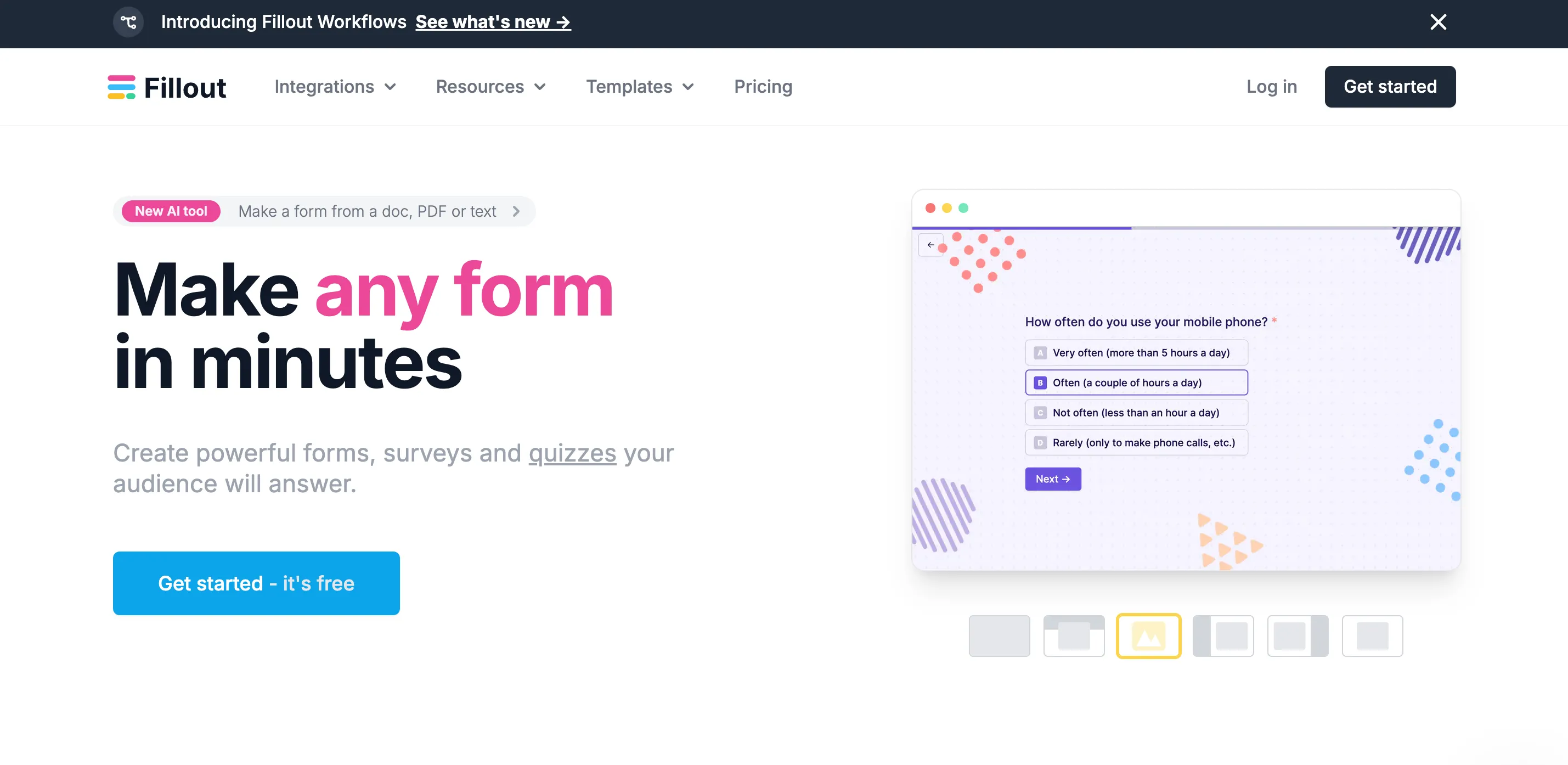
Fillout is an online form builder designed to go beyond the simple contact form. You build your form by drag and drop (or by describing it to the AI), share it by link or embed it on your site, and every response lands where you already work: Notion, Airtable, Google Sheets, your CRM or your inbox. Fillout also handles payments, scheduling, signatures and PDF generation, right inside the form.
Who is Fillout for?
Freelancers whose form is part of the sales process: a quote request with automatic calculation, a client discovery questionnaire, a workshop sign-up with payment, a project brief, an appointment booking. If you run your business in Notion or Airtable, Fillout is especially comfortable, since it writes straight into your databases. On the other hand, if you just want a minimalist contact form, Tally will do the same job with fewer settings.
What you can do with Fillout
- Build fast: 50+ field types, multi-page forms, ready-made or custom themes with your logo, fonts and CSS.
- Make the form smart: conditional logic, calculations and scoring, answers reused in later questions, pre-filled or hidden fields.
- Get paid and book: no-code payment forms, slot booking inside the form, signature collection from the Starter plan.
- Generate documents: PDF creation from responses, for instance a quote summary sent to the client.
- Connect your tools: 50+ native integrations (Notion, Airtable, Google Sheets, HubSpot, Mailchimp, webhooks) and a REST API, from the free plan.
- Collaborate at no extra cost: users are unlimited on every plan, including the free one.
Fillout pricing in 2026
Fillout charges a flat price per plan, whatever the number of users. The limit that makes you change plan is the number of monthly responses:
- Free: unlimited forms and users, 1,000 responses a month, conditional logic, payments, PDFs and integrations included, with a Fillout badge.
- Starter: $15 a month ($180 a year), 2,000 responses a month, all question types, custom endings, redirect, signatures, light Fillout branding.
- Pro: $40 a month ($480 a year), 5,000 responses a month, all branding removed, custom fonts, favicon and CSS.
- Business: $75 a month ($900 a year), unlimited responses, conversion analytics and drop-off rates, custom domain, partial submissions, priority support.
- Enterprise: custom pricing.
Yearly billing gives a 20% discount. Prices are in dollars. Prices checked on fillout.com in November 2026.
Why we recommend Fillout
At FreelanceKit, we picked Fillout because its free plan covers needs that other tools keep for paid plans: payments, conditional logic, PDFs, integrations. For a freelancer, it means turning a plain "contact" page into a real qualification, quote or sign-up form, without spending anything as long as you stay under 1,000 responses a month.
The weak point to know: everything is in English, interface and documentation alike, and the wealth of options can be confusing at first. If you insist on removing every trace of Fillout from your forms, you need the Pro plan at $40 a month, which is more expensive than the equivalent at Tally.
Fillout or another solution?
To compare Fillout with Tally, Typeform or Airtable, see our page on alternatives to Fillout.
Strengths and weaknesses
Strengths
- Generous free plan: unlimited forms and users, 1,000 responses a month, conditional logic and payments included
- 50+ field types and 50+ native integrations (Notion, Airtable, Google Sheets, HubSpot, Mailchimp, webhooks)
- Payment forms, scheduling, PDF generation and calculations without any code
- One flat price per plan, no per-seat billing: you can invite a client or an assistant for free
Weaknesses
- Interface and documentation in English only
- Removing all Fillout branding requires the Pro plan at $40 a month
- Conversion analytics and custom domains are reserved for the Business plan at $75 a month
Frequently asked questions about Fillout
Fillout is an online form builder. You build a form by drag and drop or by describing it to the AI, then share it by link or embed it on your site. Responses can land directly in Notion, Airtable, Google Sheets or your CRM. It also handles payments, scheduling, signatures and PDF generation.
The free plan allows unlimited forms and users with 1,000 responses a month. Paid plans are Starter at $15 a month (2,000 responses), Pro at $40 a month (5,000 responses, no Fillout branding) and Business at $75 a month (unlimited responses, custom domain, analytics). Yearly billing gives a 20% discount. Prices checked on fillout.com in November 2026.
Yes, the free plan is permanent, with no limit on the number of forms or users. It includes conditional logic, payments, PDF generation, file uploads and most integrations. The limit is 1,000 responses a month, with a Fillout badge on the form.
Yes. A Fillout form embeds on any website as a block in the page, as a popup, as a side panel or full screen, and can also be shared by a simple link.
Yes. You can create payment forms without code, from the free plan, and offer a time slot booking right inside the form. Signature collection and Calendly syncing start with the Starter plan.
Tally is more minimalist, with a document-like approach and a free plan with unlimited responses. Fillout is richer: payments, scheduling, PDFs, advanced logic and deep integration with Notion and Airtable. If you want a simple contact form, Tally is enough; if your form has to trigger a quote, a payment or an appointment, Fillout is more complete.
Alternatives to Fillout
What we would use instead, in the same category.








Compare all the alternatives to Fillout
See our full comparison of the 3 alternatives to Fillout in 2026: prices, features and strengths, in detail.
🚀See the full comparison